
 Recruit
The Best Remote Recruitment Tools


- Best Remote Recruitment Tools for Every Stage of the Hiring Process
- Applicant Tracking Systems (ATS)
- Job Boards and Marketplaces
- Video Interviewing Tools
- Skill Testing and Assessments
- Onboarding and HR Management
- Employee Engagement and Feedback Tools
- Collaboration and Productivity Tools
- Final Thoughts on Remote Recruitment Tools

Let RemotePeople handle payroll, compliance, and HR admin worldwide so you can focus on building your team.
As the global workforce continues to embrace more and more remote and hybrid working models, the way companies find and hire remote talent has changed. For businesses looking to recruit top-tier candidates from around the world, the right tools can make all the difference.
In this article we will guide you through the best remote recruitment tools available, helping you build an efficient, effective remote hiring process.
From applicant tracking systems (ATS) to video interview platforms, and skill assessment tools to onboarding software, we’ve curated a list of must-have tools to streamline every step of your hiring process. Each tool comes with its own unique selling points, pros, and cons, so you can choose the right fit for your needs.
Now, lets get started..
Best Remote Recruitment Tools for Every Stage of the Hiring Process
| Remote recruitment tool | Description |
|---|---|
| Pin | Global hiring platform that helps companies recruit, employ, and manage international talent with integrated payroll and compliance support. |
| Breezy HR | End-to-end recruiting software with automation, interview scheduling, and team collaboration. |
| Workable | Applicant tracking system with AI-powered sourcing, evaluations, and reporting. |
| Greenhouse | Structured hiring platform with DEI tools, pipeline automation, and onboarding support. |
| WeWorkRemotely | Remote job board for sourcing global talent across tech, design, and customer support. |
| RemoteOK | Popular platform for remote job listings, especially for developers and tech roles. |
| Zoom | Virtual meeting tool commonly used for remote interviews and hiring team syncs. |
| HireVue | AI-enhanced video interview platform with candidate assessments and scheduling. |
| SparkHire | Video interview software ideal for high-volume screening and candidate reviews. |
| TestGorilla | Pre-employment testing platform to evaluate skills before interviews. |
| Codility | Assessment tool for evaluating programming skills and technical roles remotely. |
| HackerRank | Technical hiring solution with coding challenges and developer assessments. |
| BambooHR | HR software with applicant tracking and streamlined hiring workflows. |
| Rippling | All-in-one HR platform with integrated applicant tracking and onboarding tools. |
| Kallidus | Talent management suite with recruitment, onboarding, and learning tools. |
| 15Five | Primarily a performance platform, but supports hiring with manager feedback loops. |
| Lattice | People management platform with applicant tracking and internal mobility tools. |
| Officevibe | Engagement platform that supports hiring insights through feedback analytics. |
| Slack | Team communication tool used to streamline recruiting discussions and candidate updates. |
| Miro | Visual collaboration tool for hiring workflows, whiteboarding, and interview planning. |
| Asana | Project management tool often used to track hiring pipelines and recruitment tasks. |
Applicant Tracking Systems (ATS)
As you probably already know, an Applicant Tracking System (ATS) is the backbone of the recruitment process, helping to manage applications, track candidates, and streamline the hiring workflow as a whole.
Here’s a quick breakdown of the top ATS tools for remote hiring:
1
Pin
Pin is an AI-powered recruitment platform designed to help hiring teams identify, engage, and qualify candidates faster. Rather than focusing primarily on applicant tracking, Pin uses AI-driven sourcing and outreach automation to reduce manual recruiting work and improve candidate discovery at scale.

- Pros
AI-Powered Talent Sourcing
Pin automatically identifies and prioritizes relevant candidates, helping recruiters build stronger pipelines without spending hours on manual searches.
Automated Candidate Outreach
The platform streamlines outreach through AI-assisted messaging and engagement workflows, allowing teams to connect with more qualified candidates in less time.
Recruiter Productivity
By automating repetitive sourcing and screening activities, Pin enables recruiters to focus on relationship building and hiring decisions rather than administrative tasks.
- Cons
Not a Full ATS Platform
Organizations looking for advanced applicant tracking, interview management, and hiring workflows may need to use Pin alongside an existing ATS.
Dependent on Existing Hiring Processes
Pin improves sourcing and engagement, but companies still need structured interview and evaluation processes to maximize hiring outcomes.
- Best suited for: Recruiters, staffing agencies, talent acquisition teams, and growing companies looking to automate sourcing, increase recruiter efficiency, and build larger pipelines of qualified candidates through AI-powered recruitment technology.
2
Breezy HR

Breezy HR is an intuitive ATS designed for remote teams, featuring a drag-and-drop interface that allows for simple job application management and automated workflows. It integrates seamlessly with communication tools like Slack and Gmail, making it easy to keep your hiring team on the same page.
- Pros
Visual Pipeline Management
Breezy HR’s visual “pipeline” allows for easy tracking of where candidates are in the hiring process, providing a snapshot view.
Automated Workflow
Features like interview scheduling, email campaigns, and candidate scoring make it easier to move candidates through the recruitment funnel.
Collaboration Tools
Breezy HR enables seamless collaboration with hiring team members via notes and scorecards for each candidate.
- Cons
Limited Customization
While the pipeline is highly visual, customization options for advanced workflows are somewhat limited.
Pricing for Advanced Features
While the basic plan covers most functionalities, advanced features such as video interviewing require a more expensive plan.
- Best suited for: Small to medium-sized remote teams looking for an intuitive and collaborative way to manage candidates.
3
Workable

Workable is a popular ATS equipped with features tailored to remote hiring, like AI-powered candidate sourcing, multi-channel job postings, and integrated video interviewing. It’s designed to make the hiring process quick and efficient.
- Pros
AI-Powered Candidate Sourcing
Workable’s AI can automatically source and recommend relevant candidates based on your job description, saving significant sourcing time.
One-Click Job Postings
Post to over 200 job boards simultaneously, giving your listings wide visibility.
Integrated Video Interviewing & Assessments
Perfect for evaluating remote candidates quickly.
- Cons
Complex User Interface
The sheer number of features can overwhelm new users, resulting in a steeper learning curve.
Pricey for Startups
While Workable is a great tool, its pricing may not be budget-friendly for smaller businesses.
- Best suited for: Growing businesses and enterprises looking to fill positions quickly with a wide reach.
4
Greenhouse

Greenhouse is a flexible ATS designed for companies focused on improving their hiring experience. Its intuitive dashboard allows recruiters to track candidates, schedule interviews, and gather feedback all in one place.
- Pros
Customizable Workflows
Easily configure hiring workflows to suit different roles and stages of the recruitment process.
Collaborative Hiring
Allows hiring teams to collaborate with shared notes, feedback, and standardized scorecards.
Powerful Analytics
Provides comprehensive reports and dashboards to track hiring metrics and identify bottlenecks.
- Cons
Learning Curve for New Users
Greenhouse has a wealth of features, which may take time to understand fully.
Higher Pricing for Advanced Features
The cost may be high for startups or small businesses.
- Best suited for: Medium to large companies looking to establish a comprehensive and collaborative hiring process.
Job Boards and Marketplaces
Finding the right talent starts with sourcing from the right job boards. For remote-specific hiring, these platforms are must-haves:
5
WeWorkRemotely

We Work Remotely is a widely-used job board that caters specifically to remote opportunities. With an audience consisting of global remote professionals, it helps employers attract the best candidates worldwide.
- Pros
Global Reach
You can connect with remote job seekers from around the globe.
Niche Audience
The platform attracts candidates who are specifically seeking remote roles, ensuring higher quality applications.
Simple UI
Posting jobs is quick and easy with a straightforward interface.
- Cons
Higher Posting Costs
While the quality of applicants is high, job posting costs are also higher compared to general job boards.
No Free Trial
The platform doesn’t offer a free trial, so you need to invest upfront to see the benefits.
- Best suited for: Employers looking for candidates who are experienced in or specifically seeking remote work.
6
RemoteOK
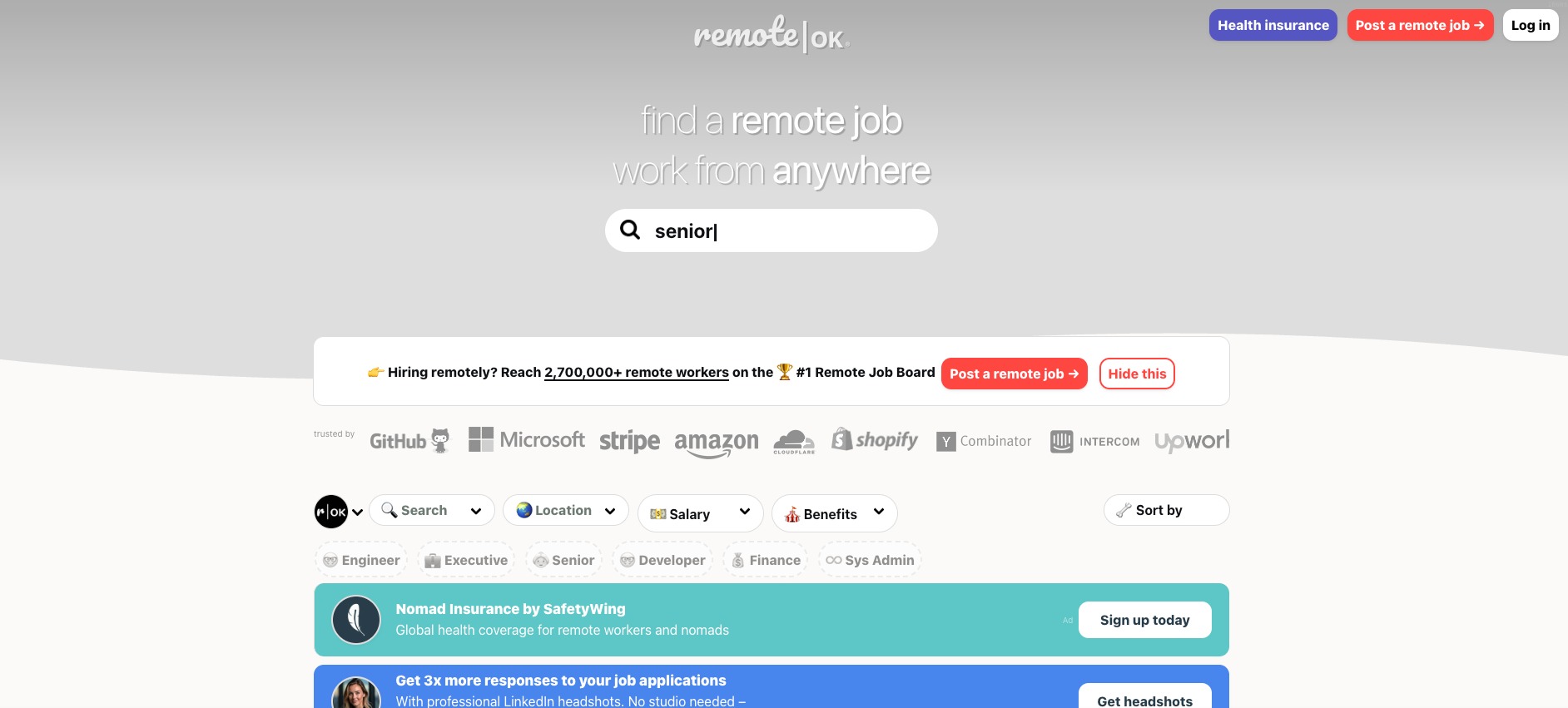
Remote OK aggregates remote jobs from multiple sources and allows companies to post their own listings. It provides detailed search filters, making it easier to find candidates with specific skills or backgrounds.
- Pros
Extensive Search Filters
Employers can filter candidates based on specific skills, job categories, and experience levels.
Analytics Dashboard
The built-in analytics help you track how well your job post is performing, allowing you to optimize listings.
Highly Engaged Job Seekers
The platform boasts an active community of job seekers looking specifically for remote roles.
- Cons
Limited Features for Employers
While it’s great for job postings, the platform doesn’t offer many additional features for managing applications or screening candidates.
No Candidate Database Access
Employers can’t access a resume database to proactively source talent.
- Best suited for: Employers looking for specific skills or roles within a large, active remote job board.
Video Interviewing Tools
Conducting remote interviews requires a reliable video conference tool. Here are the best options we’ve found for virtual interviews:
7
Zoom
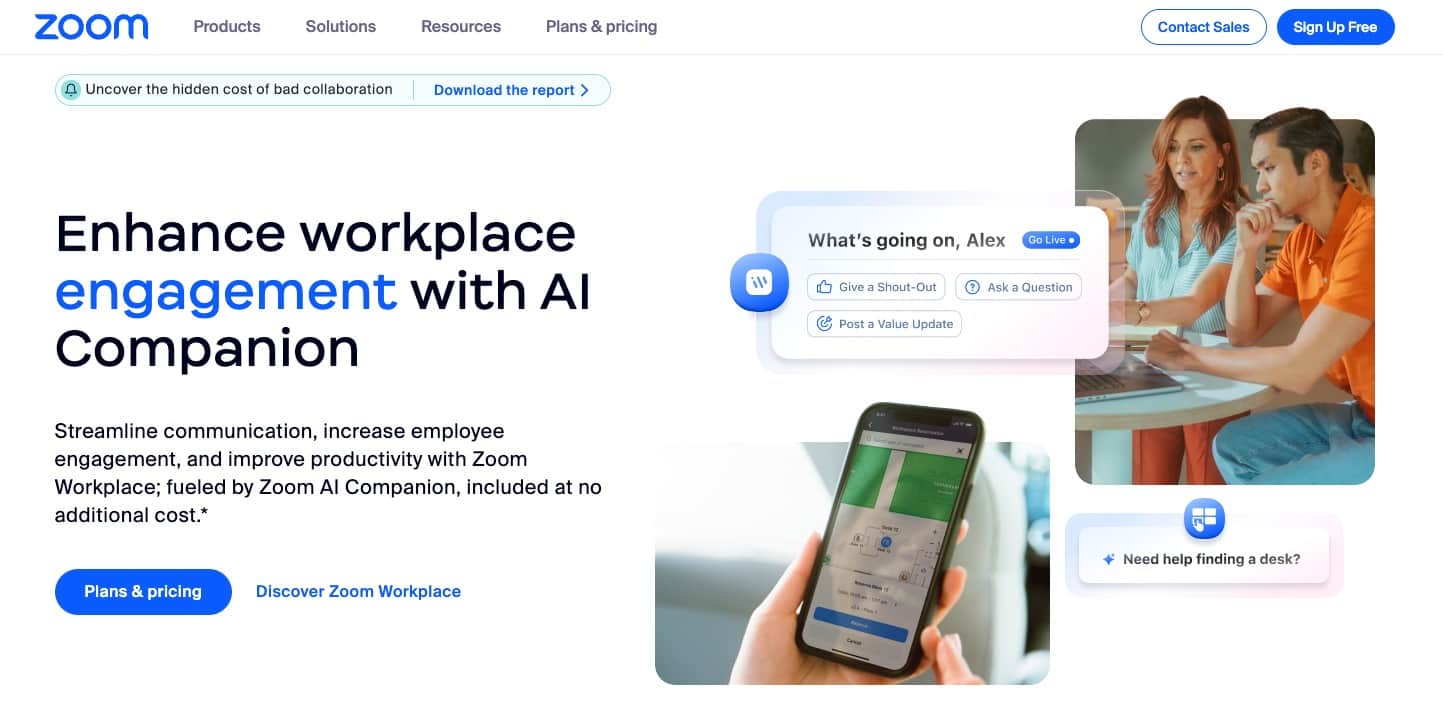
Zoom is one of the most widely-used video conferencing platforms for all types of virtual interactions, including interviews. It provides high-quality audio and video, making it ideal for remote recruitment.
- Pros
User-Friendly
Easy to set up and use for both interviewers and candidates, with reliable video and audio quality.
Breakout Rooms
Zoom allows for interactive group discussions, panels, or one-on-one interviews within the same meeting.
Integrates with Other Tools
Seamless integrations with platforms like Slack, Google Calendar, and ATS tools.
- Cons
Security Concerns
Some users have faced security and privacy issues, although these have improved over time.
Limited Free Plan
The free version has a time limit for group meetings, making it unsuitable for longer interview sessions.
- Best suited for: Companies needing a reliable, easy-to-use tool for all types of interviews, from one-on-ones to panel discussions.
8
HireVue

HireVue specializes in video interviewing for recruitment and offers both live and pre-recorded interviews. Its AI features analyze candidate responses, offering insights into their soft skills and suitability for the role.
- Pros
AI-Driven Insights
HireVue uses AI to analyze facial expressions, tone, and word choice, helping recruiters assess soft skills and cultural fit.
Pre-Recorded Interviews
Candidates can record responses to preset questions, saving time for both recruiters and applicants.
Efficient Screening
Review pre-recorded interviews on your own schedule, making it easier to screen a larger number of candidates.
- Cons
AI Bias Concerns
Some recruiters express concern about the fairness and accuracy of AI-driven evaluations.
Learning Curve
While intuitive, recruiters may need some training to fully utilize the AI features.
- Best suited for: Larger companies looking for an AI-powered tool that helps screen and evaluate candidates’ soft skills effectively.
9
SparkHire

SparkHire allows for one-way video interviews where candidates can record responses to preset questions. This lets hiring teams review and evaluate interviews at their convenience.
- Pros
One-Way Video Interviews
Helps save time and streamline initial interview stages.
Brand Customization
Customize interview branding, such as logos and colors, for a more professional look.
Collaboration Tools
Easily share video responses with team members for feedback and ratings.
- Cons
Less Interactive
Since it’s a one-way interview, there is no live interaction, which may limit assessing some skills.
Pricing Tiers
Advanced features are only available in higher-priced plans.
- Best suited for: Companies looking to quickly screen candidates in the early stages before moving them to live interviews.
Skill Testing and Assessments
Testing candidates’ skills remotely is crucial, especially for technical roles. The following platforms provide comprehensive assessment solutions:
10
TestGorilla

TestGorilla is an all-in-one pre-employment assessment platform, offering a wide range of tests from cognitive abilities to technical skills. It allows companies to evaluate candidates’ job fit before moving to the interview stage.
- Pros
Diverse Test Library
Over 150 tests available, including soft skills, hard skills, and culture fit assessments.
Easy Test Customization
Create customized assessments for specific roles, tailored to your company’s needs.
Affordable Pricing Plans
Multiple plans available, making it accessible for companies of all sizes.
- Cons
No Real-Time Coding Tests
While there are technical tests, TestGorilla lacks real-time collaborative coding assessments.
Reporting Depth
While reports are comprehensive, advanced analytics may not be as detailed as some other platforms.
- Best suited for: Companies looking to assess a variety of skills for roles across different departments.
11
Codility

Codility is a coding assessment platform designed to test and evaluate software developers’ skills. It provides a library of coding challenges and real-time feedback.
- Pros
Real-Time Coding Assessments
Evaluate candidates on problem-solving, code optimization, and debugging skills.
Anti-Plagiarism Measures
Codility’s plagiarism detection ensures fair assessments.
Collaboration Mode
Conduct live coding sessions to see how candidates perform in real-time.
- Cons
Tech-Only Focus
Codility is built for technical roles, so it doesn’t support assessments for non-coding positions.
Pricing Flexibility
The cost can add up quickly based on the number of tests and candidates.
- Best suited for: Tech companies looking for a reliable way to assess developer skills accurately.
12
HackerRank

HackerRank is another well-known coding assessment tool that allows recruiters to test developers’ skills through coding challenges and exercises tailored to specific technical roles.
- Pros
Extensive Library
A vast range of coding challenges and technical tests for multiple programming languages.
Real-Time Collaboration
Collaborative coding sessions enable interviewers and candidates to solve problems together.
Built-In IDE
An integrated development environment (IDE) for coding during live interviews.
- Cons
Learning Curve for Custom Tests
Creating custom tests may require additional setup and familiarity with the platform.
Limited Non-Tech Features
Like Codility, it is best for tech roles and not as versatile for non-technical assessments.
- Best suited for: Companies looking to conduct in-depth technical assessments for developer positions.
Onboarding and HR Management
After recruitment, it’s vital to have an engaging and efficient onboarding process. These tools make onboarding seamless and enjoyable for remote employees:
13
BambooHR
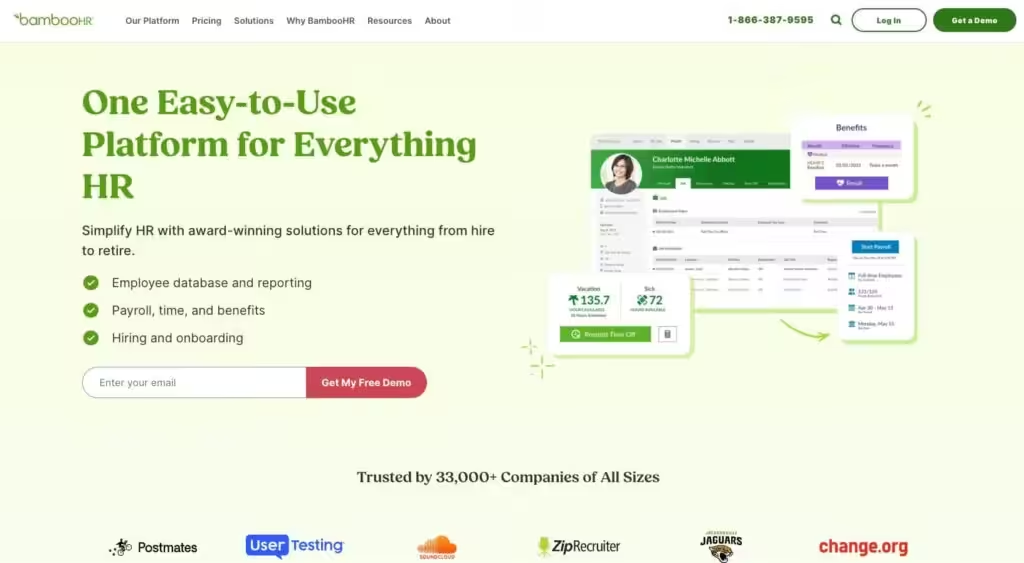
BambooHR offers a comprehensive solution for onboarding, performance tracking, and HR management. It has an employee self-service portal, making document collection and company policy familiarization easier.
- Pros
Automated Onboarding Checklists
Send automatic reminders and steps for new hires to complete their onboarding process.
User-Friendly Interface
Easy for both HR teams and new hires to use, ensuring smooth processes.
Integrated Performance Management
Track employee goals, feedback, and reviews in one place.
- Cons
Pricing for Advanced Features
More complex HR features like performance management may require additional costs.
Limited Custom Reporting
Reporting features are not as customizable as some other HR platforms.
- Best suited for: Businesses looking for an easy-to-use platform for both onboarding and ongoing employee management.
14
Rippling
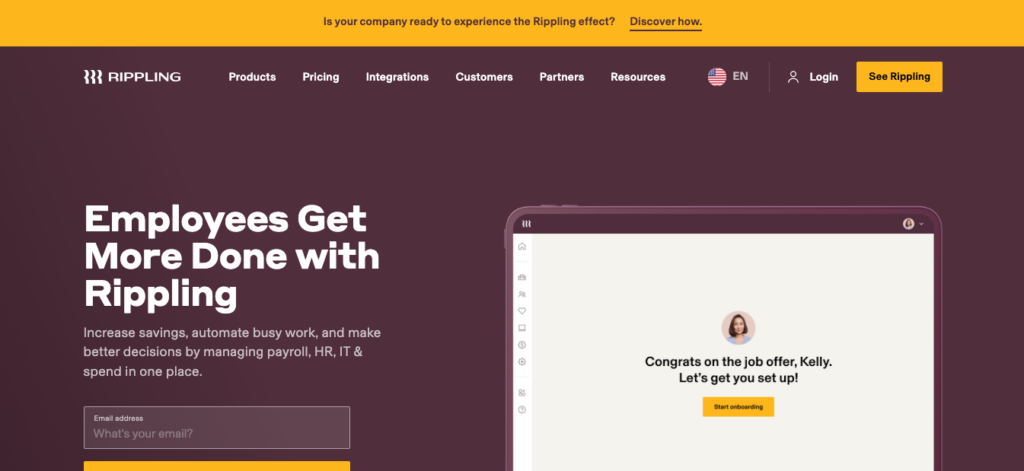
Rippling is a unified platform combining HR, IT, and payroll tools for a seamless onboarding experience. From managing benefits to setting up devices for remote hires, Rippling simplifies the administrative work.
- Pros
Unified HR and IT Management
Onboard employees and equip them with the right software and hardware from one platform.
Automated Workflow for New Hires
Create workflows to automatically guide new hires through their onboarding tasks.
Customizable Access Levels
Set different access levels for HR teams, managers, and new hires.
- Cons
Complex Setup
Configuring workflows and access settings might be overwhelming for first-time users.
Premium Pricing
Advanced IT and HR features come with premium pricing tiers.
- Best suited for: Companies needing an all-in-one HR and IT management solution, particularly for equipping remote hires with the right tools.
15
Kallidus
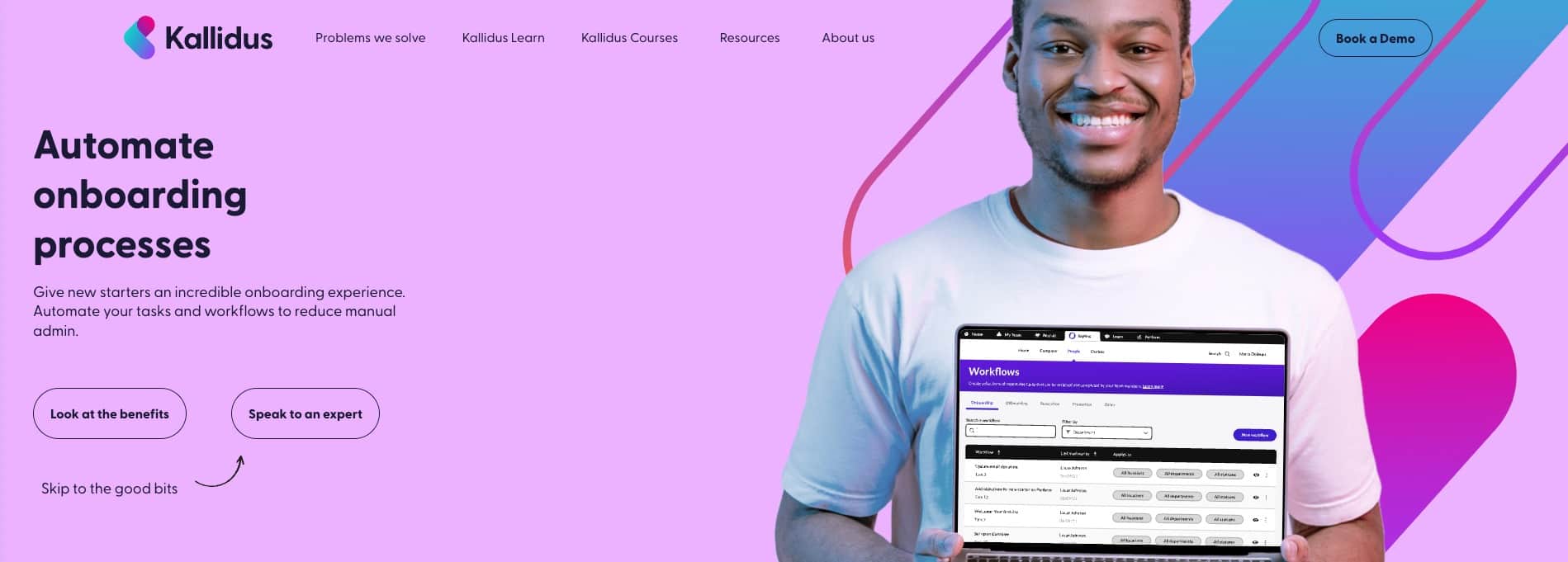
Kallidus is an all-in-one platform offering HR solutions for recruitment, onboarding, and continuous employee learning and development. Its features are designed to help companies find, manage, and grow talent effectively—even remotely. Kallidus helps streamline the onboarding process, fosters ongoing engagement, and supports the overall development of new hires through its e-learning and performance management modules.
- Pros
Comprehensive Onboarding Workflows
Kallidus automates onboarding tasks, document collection, and training, ensuring new hires have everything they need to get started.
Learning Management System (LMS)
Kallidus Learn offers a robust e-learning platform to provide training, development, and compliance courses for employees—perfect for remote teams needing continuous upskilling.
Engagement & Performance Tools
With tools like Kallidus Perform, companies can set goals, track employee performance, and encourage regular feedback, helping to align remote workers with company objectives.
- Cons
Setup and Customization
Given its breadth of features, Kallidus may require time to set up and customize workflows to suit your company’s specific onboarding and training needs.
Pricing for Full Suite
Accessing the complete HR and learning suite may require a higher-tier subscription, which could be a significant investment for smaller businesses.
- Best suited for: Medium to large companies looking for a platform that offers not only onboarding but also ongoing training, performance management, and employee development—ideal for remote teams that value continuous learning and growth.
Employee Engagement and Feedback Tools
Keeping remote employees engaged and motivated is crucial. The following tools can help maintain a positive and productive remote work environment:
16
15Five

15Five is a performance management tool that promotes continuous feedback and employee engagement. Weekly check-ins, goal tracking, and open feedback loops are designed to foster communication and build connections between managers and their teams.
- Pros
Weekly Check-Ins
Regular touchpoints keep managers informed of their team’s progress and challenges.
Goal Setting & Progress Tracking
Allows for setting goals (OKRs) and tracking progress over time.
Employee Recognition
Features for public recognition help boost morale within teams.
- Cons
Limited Customization for Check-Ins
Weekly check-in questions may feel repetitive over time with limited customization options.
Requires Manager Buy-In
The tool is only as effective as the level of engagement from managers and teams.
- Best suited for: Companies looking to enhance communication and keep remote teams aligned on goals.
17
Lattice

Lattice is an all-in-one platform for employee feedback, performance reviews, and goal-setting. It also offers insights through employee engagement surveys and performance metrics.
- Pros
Holistic Performance Management
Provides tools for 1:1 meetings, goal tracking, performance reviews, and employee feedback.
Engagement Surveys
Conduct anonymous surveys to understand how employees feel and take actionable steps to improve team dynamics.
Actionable Insights
Get real-time insights into your remote team’s performance and well-being.
- Cons
Learning Curve for New Users
The platform’s range of features can be overwhelming for new users.
Requires Consistent Usage
Lattice requires regular check-ins to be effective, and results may vary based on how consistently teams use it.
- Best suited for: Companies seeking a comprehensive tool for performance management and remote team engagement.
18
Officevibe

Officevibe collects regular pulse surveys and feedback from employees to understand team morale and engagement. It promotes a culture of open communication by enabling employees to give feedback anonymously.
- Pros
Anonymous Feedback
Anonymity encourages honest feedback and constructive communication.
Customizable Pulse Surveys
Schedule regular surveys on topics like work-life balance, team collaboration, and manager feedback.
Real-Time Insights & Suggestions
Get actionable suggestions based on feedback to improve team dynamics.
- Cons
Limited Advanced Reporting
While feedback is insightful, more detailed analytics and reporting would enhance the tool.
Manager Dependency
The success of the tool largely depends on how managers respond to and implement feedback.
- Best suited for: Remote teams looking for consistent, real-time feedback to improve engagement and culture.
Collaboration and Productivity Tools
Seamless collaboration is the key to a successful remote team. The following tools enhance communication and productivity:
19
Slack

Slack is the go-to communication tool for remote teams, offering channels for organized discussions, direct messaging, file sharing, and video calls.
- Pros
Organized Conversations
Create channels by project, team, or topic to keep conversations focused.
Third-Party Integrations
Integrates with numerous tools like Asana, Trello, and Google Drive for a centralized workspace.
Easy Collaboration
Instantly share files, start voice calls, or launch quick video chats.
- Cons
Notification Overload
With many active channels, it’s easy to be overwhelmed by notifications, potentially disrupting workflow.
Limited Search on Free Plan
Slack’s free version limits searchable message history, which can be problematic for larger teams.
- Best suited for: Teams needing real-time communication and collaboration with centralized integrations.
20
Miro

Miro is an online whiteboard that allows teams to brainstorm, collaborate, and visualize ideas. It’s perfect for creative sessions, project planning, and interactive workshops.
- Pros
Real-Time Collaboration
Work together on mind maps, sticky notes, and wireframes as if you were in the same room.
Multiple Templates
Offers ready-made templates for brainstorming, strategy planning, and retrospectives.
User-Friendly Interface
Easy-to-use, drag-and-drop elements make the platform accessible to all users.
- Cons
Limited Storage for Free Plan
The free plan has limited storage and board capabilities, requiring an upgrade for more extensive use.
Steep Learning Curve for Complex Features
Advanced features may require time and experience to use effectively.
- Best suited for: Creative teams looking to brainstorm and visualize ideas collaboratively in a remote setting.
21
Asana

Asana is a versatile project management tool that helps remote teams track tasks, set deadlines, and manage workflows. Its various views (lists, boards, timelines) allow teams to stay organized and collaborate seamlessly.
- Pros
Task Tracking and Project Visualization
Asana provides clear project timelines, Gantt charts, and Kanban boards, making it easy to see progress and bottlenecks.
Customizable Workflows
Adapt workflows to suit any project or team structure, allowing for better customization based on how your team operates.
Integration with Other Tools
Asana integrates with a variety of other tools like Slack, Google Drive, and Zoom, centralizing your remote team’s work.
- Cons
Complexity for New Users
Asana’s wide array of features can make it daunting for first-time users and smaller teams.
Limited Advanced Features in Free Plan
While the free plan covers basic needs, advanced features like timelines and reporting require a premium subscription.
- Best suited for: Teams looking for a flexible tool to manage complex projects and stay on top of tasks and deadlines.
Final Thoughts on Remote Recruitment Tools
With remote work becoming increasingly more and more common, it’s crucial to equip your business with the right recruitment tools. From sourcing to onboarding remote talent, these tools help streamline your entire hiring process, ensuring you find the best talent no matter where they are.
Whether you’re a startup looking to build a team from scratch or a large enterprise optimizing its remote hiring process, these tools offer practical solutions to your recruitment challenges.
Here at RemotePeople, we understand the complexities of remote recruitment and how essential it is to have the right software stack. By integrating tools for applicant tracking, video interviewing, skill assessments, and employee engagement, you can build a powerful and efficient remote hiring process tailored to your unique needs.