
 Recruit
Zoho Payroll Review: Features, Pricing and Alternatives


- Zoho Payroll Review Summary
- Zoho Payroll Key Features
- What Are the Disadvantages of Zoho Payroll?
- Zoho Payroll Human Resources Management System
- Zoho Payroll Pricing
- Zoho Payroll Reviews
- Zoho Payroll Pros and Cons
- Zoho Payroll Unique Selling Point
- RemotePeople Score for Zoho Payroll
- Things to Keep in Mind
- Overall Assessment: Zoho Payroll
- Zoho Payroll Alternatives
- Frequently Asked Questions

Let RemotePeople handle payroll, compliance, and HR admin worldwide so you can focus on building your team.
Zoho Payroll Review Summary


Score 8 out of 10
Currency
USD only
Monthly fees
By custom quote
Payment options
ACH and SWIFT/Wire Transfer
Rippling is a global workforce management platform that simplifies HR and payroll. It automatically manages software tools, apps, and whatever else employees need — saving companies and their leadership time and resources.

Zoho Payroll Key Features
Zoho Payroll includes flexible pay schedules, tax form preparation, and a portal where workers can see their paystubs. It also ties in with other Zoho products so payroll data can be shared across accounting and staff management.
| Feature | Purpose in Payroll |
|---|---|
| Automated Wage Calculations | Reduces guesswork by creating pay amounts for hourly or salaried staff |
| On-Demand Tax Paperwork | Eliminates the need to manually draft forms for state or federal requirements |
| Direct Pay Deposits | Sends funds to bank accounts so employees don’t wait for checks in the mail |
| Benefits Deduction Tracking | Helps confirm that insurance or retirement plan contributions are accurately deducted |
Payroll Processing
Once you set up employee details, Zoho Payroll calculates gross pay, taxes, and deductions at your chosen intervals. The goal is to cut down on guesswork so payroll runs smoothly and on time.
Clients that operate in the US, India, or the United Arab Emirates (UAE) can use Zoho payroll to set up and run their payrolls in full compliance with state and federal laws in these locations.
It offers weekly, bi-weekly, or monthly pay schedules depending on the client’s needs and these pay schedules are based on the time and attendance data collected over each pay period.
Curiously, Zoho Payroll itself doesn’t include a time-tracking and attendance module. Instead, this module is contained within the complementary program, Zoho People, which can be used in conjunction with Payroll. Otherwise, time and attendance data can be imported from different sources.
Through an integration with the payment provider Forte, Zoho Payroll will transfer employees’ salaries directly into their bank accounts. It will also pay state and federal taxes on behalf of its clients and pay both employee and employer contributions to benefits providers. For employees, the software will automatically generate pay stubs detailing their hours, gross and net pay, taxes, and deductions.
Tax Forms and Reporting
Zoho summarizes the wages and tax liabilities for employers under the Federal Unemployment Tax Act (FUTA) and prepares IRS Form 940 for this annual payment. It also prepares quarterly summaries of the income, Social Security, and Medicare taxes withheld from employees’ paychecks for IRS Form 941 or annual IRS Form 944. Zoho also automatically generates W-2 forms for all employees to help them prepare their tax returns.
It’s important to note, however, that while Zoho Payroll is available for use across the US, it only currently manages compliance with state laws in 21 states and not across the whole country.
Employee Portal
Workers can view leave balances and pay statements without contacting HR. Managers often see fewer administrative questions since folks can retrieve data on their own.
Benefits Tracking
Providing benefits to your employees not only incentivizes them and gives them a great sense of security, but it may also be mandatory. Workers’ compensation insurance, for example, is mandatory in 49 of 50 states (excluding Texas). Employers with 50 or more employees must provide their workers with health insurance under the Affordable Care Act (ACA).
Zoho Payroll offers medical, vision, dental, and 401(K) benefits to help employers comply with requirements and create more appealing compensation packages. It can also help clients create and manage sick leave and vacation policies, plus pay out unused leave if employees leave. Contributions to all of these programs are automatically calculated and made through Zoho Payroll so that payments are never missed.
Connections with Zoho Apps
Zoho Books handles finances and Zoho People handles time-off tracking. When used together, data moves across these services with little double-entry.
Zoho Payroll Platform
The Zoho Payroll platform has a clear and easy-to-learn user interface (UI). It’s easy to toggle between different features like salary details, payslips, and declarations with no difficulty. It’s also relatively easy for admins to import past payroll data from their old systems. This product integrates well with other Zoho software like People, Books, and Expenses and even integrates with the popular app Quickbooks. At the same time, it can be frustrating and confusing for some users to have to switch between payroll, bookkeeping, and HRMS software to manage their different functions rather than having them centralized in a single payroll system.
Zoho Payroll also has a mobile app called Employee Portal, which helps employees access their information through their iOS and Android devices. This app lets them view paystubs, manage time off requests, and more.
The Zoho Payroll platform uses 256-bit SSL encryption and two-factor authentication (2FA) to secure payroll data. It’s also SOC 1 and SOC 2 compliant plus ISO 27001, 27701, and 27017 certified for a high standard of security and privacy management.
What Are the Disadvantages of Zoho Payroll?
Some businesses may find Zoho Payroll’s supported regions too limited, and certain advanced functions might not be covered. Its biggest downsides are a restricted list of covered locations and a need for separate Zoho apps to access features such as time tracking or extended HR tasks.
Common complaints
- Regional Limits: It’s only officially available in the US, India, and the UAE, and not all US states get the same level of automatic compliance.
- No Built-In Time Logs: You need Zoho People or another service to track shifts.
- Separate Modules: Payroll, HR, and accounting are split into individual Zoho services, so companies might need multiple subscriptions.
| Issue | Suggested Fix |
|---|---|
| Limited Regional Coverage | Research if a partner service or manual filing can fill local gaps |
| No Built-In Time Logs | Link an external time-recording tool or use Zoho People for tracking |
| Separate Modules for HR and Accounting | Consider adding Zoho People or Zoho Books if you need extra features |
| Partial State-Level Compliance | Verify each state’s support list ahead of time or plan for manual steps |
Zoho Payroll Human Resources Management System
While not technically a part of Zoho Payroll, Zoho People is another product offered by the same company. It integrates directly with Payroll to provide links between human capital management and staff salary payments. This product is a human resources management system or HRMS that provides a centralized location for all HR admin and human capital management functions. Some of this program’s features include:
- Time & Attendance: This program lets you track employees’ hours, work days, and days off. It automatically produces time sheets that can be imported directly into Zoho Payroll for processing. It also includes a shift scheduling feature and time off management so employers always know who’s working when.
- Performance Management: Performance management features let you set goals and track your key result areas (KRAs) and key performance indicators (KPIs) to measure employee performance. It also enables continuous reviews and performance appraisals to monitor who is performing well and who needs help.
- Learning Management System: This feature is an add-on that can help employers create and manage courses for their employees with quizzes and tests and virtual classroom learning. It enables training and skill development as well as courses to help produce and track management employees.
- Talent Management: Zoho People includes an applicant tracking system (ATS) to help clients keep track of applicants and manage their interactions with them. It connects to lots of popular job sites and also lets users create career websites to post detailed information about their openings.
Zoho People is an additional SaaS offering and that means it represents an additional cost. Zoho sells subscriptions for five different tiers of services costing from $1.50 to $10/month per user. Employees who will be added to the system but not given any access to it cost just $0.23/month.
Zoho Payroll Pricing
Zoho Payroll generally charges a monthly base fee plus a per-person rate. A free trial period is often available if you’d like to test its core features. Fees usually start around $39 each month, with an extra amount for each person on staff. Those who subscribe annually sometimes qualify for reduced rates.
The exact price can vary by country and business size. Be sure to verify that your state or region is fully supported before you commit to a paid plan.
Zoho Payroll Reviews
The average scores (as of the time of writing) were:
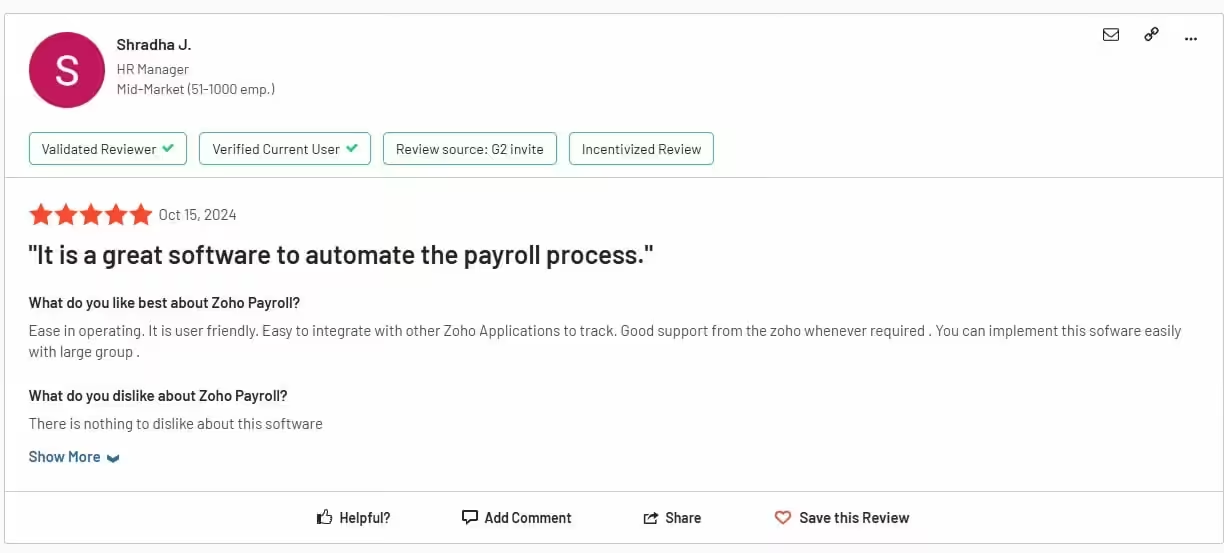
- Zoho Payroll Software Suggest = 4.5/5 (23 reviews)
- Zoho Payroll G2 = 4.4/5 (18 reviews)

Zoho Payroll Pros and Cons
As with all payroll providers out there, Zoho Payroll has its own unique pros and cons, including:
- Pros
Useful integrations
Zoho Payroll integrates with other useful Zoho products like People, Books, and Expenses to allow seamless data flow between these apps. It can also integrate with the accounting app Quickbooks.
Clear fees
While many other providers choose to obscure their fees and post nothing online, Zoho Payroll is open about what it charges. It also offers discounts for annual subscriptions.
Employee portal
This useful app for iOS and Android helps employees manage their time off and benefits and view their pay information easily.
- Cons
No consulting
While many competitors offer high-touch services that include consulting, Zoho Payroll does not. It has a 24-hour service line that allows clients to access support five days a week, but this is for technical support with the system, not consultation with payroll specialists.
No global payroll services
Zoho works in only three countries (USA, UAE, and India) and doesn’t support global payroll processing in other countries.
Limited state compliance
While Zoho can be used in the US as a payroll provider, it only manages strict compliance with state laws in some states. Clients need to check if their state is included in this list, or they won’t receive perfect compliance support.
Divided platform
Some competitors offer accounting, HR, and payroll services all in one place but Zoho chooses to divide these services into different apps. This can be confusing and inconvenient for some users.
Zoho Payroll Unique Selling Point
Zoho Payroll’s unique selling point is how it integrates with the rest of the Zoho One software suite. Because this is such an extensive collection of tools that can all work together, choosing Zoho Payroll gives clients access to an entire range of tools that they can use exclusively to run their businesses.
RemotePeople Score for Zoho Payroll
8.0/10
Our expert score for Zoho Payroll
Our team came to this score by considering the following components in the following weightings:
Payroll features
25%
Benefits admin features
10%
HR features
10%
Compliance features
10%
Platform features
10%
Pricing
20%
User reviews
15%
For each component, Zoho Payroll received the following score:
Payroll features
20/25
Benefits admin features
8/10
HR features
7/10
Compliance features
9/10
Platform features
9/10
Pricing
15/20
User reviews
12/15
Things to Keep in Mind
Though Zoho Payroll can be a good fit for many, a few issues are easily missed if you’re new to it. A typical mistake is assuming it covers all US states equally. Companies also overlook that the software doesn’t come with its own time and attendance module.
- Local Tax Coverage: Confirm that your specific region is supported.
- Extra Tools: For advanced HR features, you’ll need Zoho People or other Zoho services.
- Trial Setup: Use the free trial carefully to confirm that pay cycles and tax options match your real needs.
Overall Assessment: Zoho Payroll
Zoho Payroll aims to simplify paying employees, calculating taxes, and managing benefits. It’s especially convenient for those who already rely on Zoho apps like Zoho Books or Zoho People.
Smaller operations may see the most value, given the straightforward pricing and user-friendly approach. Larger or more complex businesses should double-check coverage and confirm that important features – like multi-state compliance – fit their needs. Once you verify it aligns with your situation, Zoho Payroll can save time and provide a clear record of each pay run.
To learn more about the top payroll platforms, read our guide to the best payroll platforms in 2024.
Zoho Payroll Alternatives
Gusto
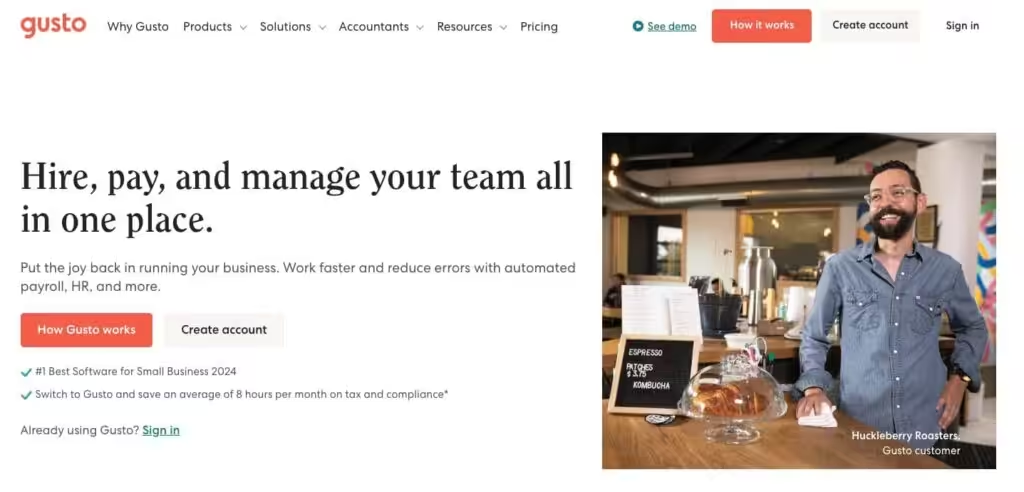
Gusto is a comprehensive platform designed for small and medium-sized businesses, offering payroll, HR, and benefits management tools in a user-friendly interface. It simplifies payroll processing by automating tax filings at the federal, state, and local levels, handling direct deposits, and managing employee self-service portals.
💡 Read our in-depth review: Gusto Review
Paylocity
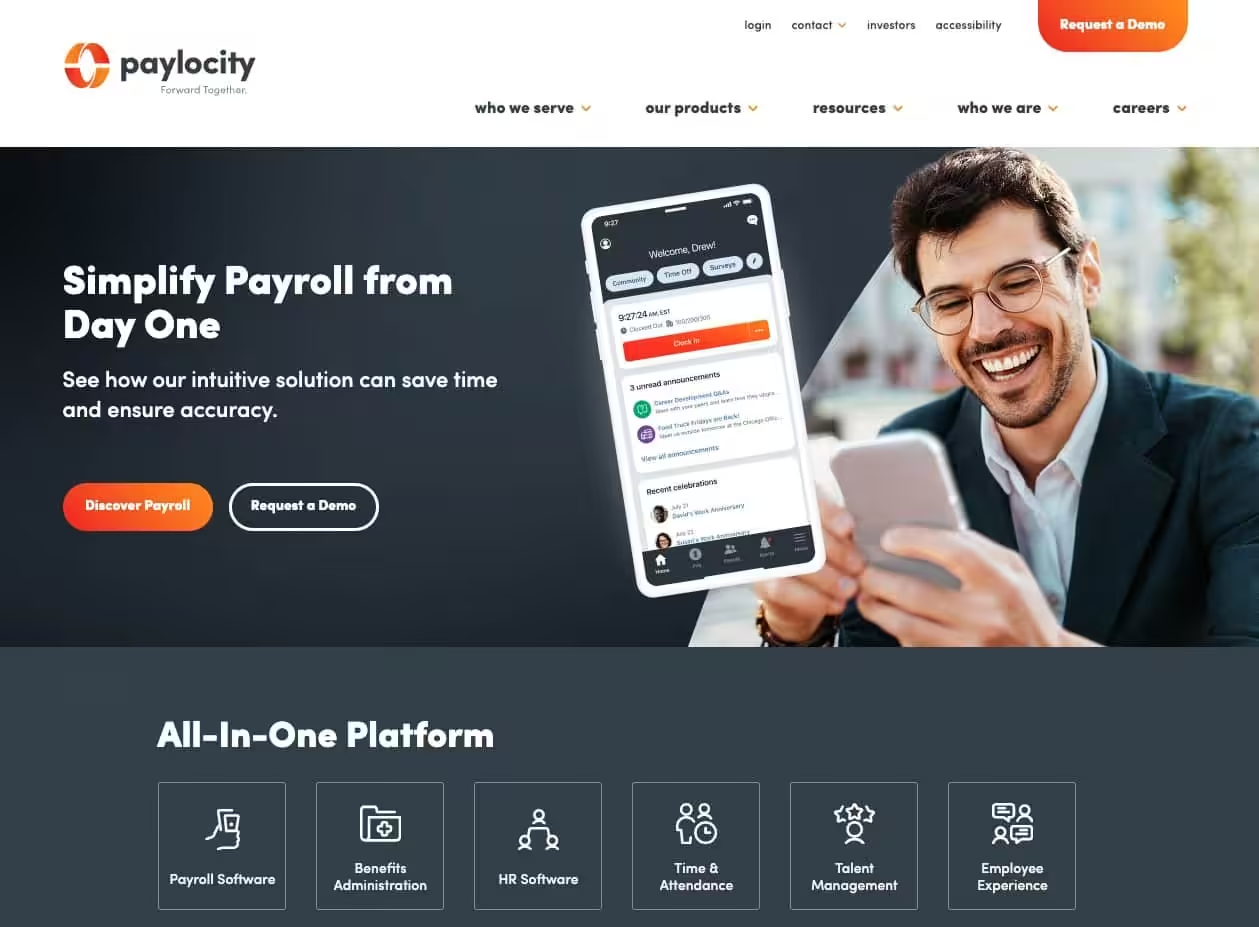
Paylocity is a versatile payroll and HR solution designed to meet the needs of mid-sized to large businesses. It provides a seamless payroll processing experience, including automated tax filing, compliance support, and flexible pay options such as direct deposit and pay-on-demand. Additionally, its integrations with time-tracking tools and other workforce management systems make it a scalable choice for growing organizations.
💡 Read our in-depth review: Paylocity Review
Onpay

OnPay is an affordable and straightforward payroll and HR solution tailored to small businesses. Its primary focus is on simplifying payroll management, making it ideal for business owners who want a no-fuss platform. Its intuitive interface and responsive customer support further enhance its value for small business owners who need a reliable and cost-effective payroll solution.
💡 Read our in-depth review: Onpay Review
Frequently Asked Questions
Yes. You can add contractors to Zoho Payroll much like regular employees, define their hourly or project-based fees, and process their payments within the same system as your standard payroll runs.
It does if you connect it with Zoho Expense or bring in expense details from another system. Once those expenses appear in Zoho Payroll, you can add them to an employee’s pay to ensure they’re paid back on the next payroll cycle.